
Health NZ's security checklist: getting to Baseline
Health NZ's security checklist sets a Baseline every practice must meet before sharing data. What it asks, where practices fall short, and how to get there.
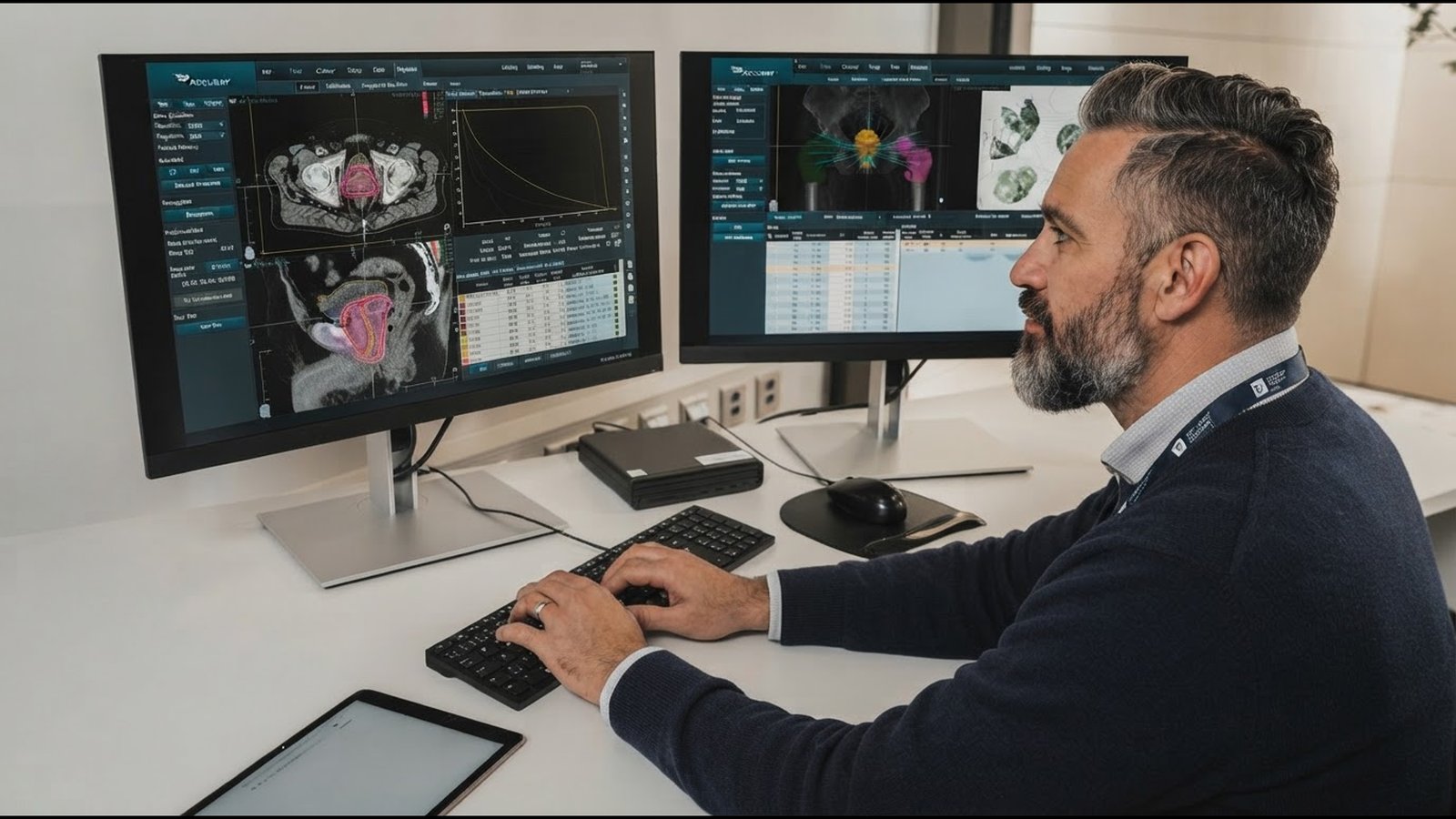
If you run a general practice or allied health clinic, there’s a good chance a document called the Security checklist for health service providers has landed in your inbox recently. It comes from Health New Zealand and General Practice New Zealand, it follows a run of high profile breaches at digital health providers, and it isn’t optional reading.
Before your organisation can share information with Health NZ, through the Shared Digital Health Record and the National Primary Care Dataset for example, you’ll need to complete it and show you meet at least the Baseline level across all ten standards.
That sounds daunting. It’s less daunting than it looks. Here’s what the checklist asks for, where we’re seeing practices trip up, and how to get to Baseline without turning your practice manager into a full time security officer.
What the checklist actually is
The checklist has 40 questions across ten standards, based on the National Cyber Security Centre’s Minimum Cyber Security Standards. For each question you pick the row that best describes your practice today: Insufficient, Baseline, Better or Best. Those ratings line up with levels 1 to 4 of the Cyber Security Capability Maturity Model.
Baseline is the minimum. The Ministry of Health and Health NZ signalled this expectation to the sector in March 2026, and larger organisations running big information systems may be expected to reach Better or Best. Health NZ relies on your answers when deciding whether you’re cleared to connect, and the checklist is completed before you sign the Access and Use Agreement.
There’s no published completion deadline, but don’t read that as “no rush”. Until the checklist is done and the agreement is signed, your practice can’t connect to the Shared Digital Health Record. The practices that get to Baseline first are the ones that get connected first.
| Standard | What it’s really asking |
|---|---|
| 1. Risk management | Does someone own cyber security, and do you talk about cyber risk like you talk about clinical and financial risk? |
| 2. Security awareness | Do staff know how to spot and report a dodgy email, and how to send patient information safely? |
| 3. Asset importance | Do you know what systems you have, where patient data lives, and is everything still supported? |
| 4. Secure configuration | Were your systems set up properly, not left on factory settings? |
| 5. Patching | Do security updates and antivirus actually happen, on a schedule someone has written down? |
| 6. Multifactor authentication | Do logins need more than a password, especially from outside the practice? |
| 7. Detect unusual behaviour | Would anyone notice if something odd was happening? |
| 8. Least privilege | Does everyone have their own login, and only the access their role needs? |
| 9. Data recovery | Can you actually get your data back after a ransomware attack, and keep seeing patients meanwhile? |
| 10. Response planning | If something goes wrong at 8am on a Monday, does everyone know what to do? |
One line in the checklist is worth underlining. Many of these controls can be delivered by your IT provider or PHO, but your organisation still needs to understand what’s in place and who’s responsible for it. You can outsource the work; you can’t outsource knowing.
The good news: Baseline is mostly about proving what you already do
Read the Baseline row of all 40 questions and a pattern jumps out. Documented. Written down. Recorded. Agreed. Most of Baseline isn’t new technology; it’s evidence.
Plenty of practices already have the technology sorted: managed patching, antivirus, MFA on email, nightly backups. What they’re missing is the page that says so, who owns it, and when it was last checked. Those practices will be tempted to tick Insufficient when they’re really an afternoon of documentation away from Baseline.
So step one isn’t buying anything. It’s an honest stocktake with your IT provider. Nine short documents cover a large share of the checklist:
- A named person responsible for cyber security (1.1)
- A simple cyber risk register, reviewed at least once a year (1.2)
- A list of critical systems, including where patient data is held and who manages each one (1.3, 3.2)
- An approved software list, with installs restricted to IT or a nominated person (3.4)
- Patching, application update and backup schedules written into your IT support agreement (5.1, 5.3, 9.1)
- An offboarding checklist that disables access within one working day (8.3)
- A one page business continuity plan for running the clinic during an outage (9.4)
- A one page incident response guide, plus an emergency contacts list covering IT, your PMS vendor and your cyber insurer (10.1, 10.2)
- Privacy breach notification steps, including when to notify the Privacy Commissioner (10.4)
Where practices most often fall short
Some gaps can’t be fixed with a document. These are the ones we see most in health settings, and they’re worth starting on now because they take a little longer.
The old PC in the corner (3.1). The checklist names Windows 10 outright as an example of an end of life operating system. Every device that touches patient information needs to be supported and patched. That includes the reception machine nobody wants to replace and the PC in the treatment room running one piece of legacy software.
Shared logins (8.1). “Reception” and “Nurse” accounts are rated Insufficient. Baseline means everyone logs in as themselves, with any exception formally approved. There are practical ways to make individual logins quick enough for a busy front desk; it doesn’t have to slow the clinic down.
Admin accounts used for everyday work (8.4). If the practice manager checks email on an account that can install software and change settings, that needs separating.
Backups on the same network (9.2). Ransomware goes looking for backups first. Baseline needs them offline, air gapped or stored in immutable cloud storage.
Restores that have never been tested (9.3). This now covers cloud and SaaS services too, not just the server in the cupboard. A backup you’ve never restored is a hope, not a plan.
No tabletop exercise (10.3). Baseline asks for at least one walkthrough of a realistic cyber incident in the last three years, with the practice manager, your IT contact and key clinical staff in the room. Very few practices have done one, and it’s usually the most useful 90 minutes of the whole exercise.
In the practices we’re working with, the gap that surprises people most is restore testing. Backups are running every night, but almost nobody has proven they can actually get the PMS back. That’s usually the first thing we fix.
Ten questions to ask your IT provider
The checklist tells you to consult your IT provider when you’re unsure. Here’s where to start:
- Which of our devices handle patient information, and are any running unsupported software like Windows 10?
- What’s our patching schedule, and where is it written down?
- Where are our backups kept, are they protected from ransomware, and when did we last test a restore?
- Are our cloud systems (email, patient portal, hosted PMS) covered by tested restore arrangements too?
- Where is MFA switched on, and where isn’t it?
- Who has admin access, and are those accounts separate from everyday logins?
- What alerts do you receive about suspicious activity, and how will you tell us?
- Have default passwords and settings been changed on our router, firewall and key systems?
- When did you last review our system configuration, and what did you find?
- If we were hit by ransomware at 8am on a Monday, what happens in the first hour?
If the answers come back quickly and in writing, great; you’re in good shape. If they don’t, that’s worth knowing before Health NZ asks.
How iT360 is helping health providers get to Baseline
We’re working with health service providers across New Zealand to work through the checklist and get to Baseline without disrupting patient care. Here’s how it works:
- Readiness review. We sit down with your practice manager and go through all 40 questions together. We rate each one honestly and separate “in place but not written down” from genuine gaps.
- Evidence pack. We draft the documents Baseline asks for, tailored to your practice: risk register, critical systems list, software list, offboarding checklist, business continuity plan, incident response guide and privacy breach steps.
- Close the technical gaps. Replacing unsupported devices, switching on MFA, ending shared logins, separating admin accounts, protecting backups and running a proper restore test.
- Tabletop exercise. We run a realistic ransomware or privacy breach scenario with your team, so the plan has been tested by the people who’d use it.
- Stay at Baseline. Annual configuration review, refresher training and keeping your registers current, so next year’s checklist is a review, not a scramble. When you’re ready, we’ll help you step up to Better.
Already happy with your IT provider? That’s fine. We can work alongside them on the checklist and evidence pack.
The pattern we see again and again: a practice manager expects a long shopping list of new technology. They leave the readiness review with a short list of documents to write and two or three genuine gaps to close. Baseline is closer than most people think.
Next steps
Book a free 15 minute Baseline readiness chat. Bring the checklist, or don’t; we’ll have a copy. We’ll talk through where you’re likely to land, which gaps are paperwork and which need real work, and roughly what it’ll take to close them.
You’ll leave knowing exactly what to do next, whether or not you work with us.